


Barcode Inventory Management
Managing inventory can be a complex and time-consuming task, but with the power of barcode technology, businesses can significantly enhance efficiency, accuracy, and profitability. Barcode inventory systems offer a robust solution for tracking products from the moment they arrive to the point of sale, providing invaluable insights through various report types.
| Component | Description |
| Centralized Database | The “brain” of the system where SKU details, quantities, and histories are stored. |
| Tracking Hardware | Barcode scanners, RFID readers, or mobile devices used to input data instantly. |
| Order Management | Automates purchase orders (POs) and tracks customer sales orders. |
| Reporting Engine | Generates the GRN, Sales, and Ledger reports to provide business intelligence. |
| Inventory Optimization | Mathematical models that suggest when and how much to reorder. |
The Foundation: How Barcode Inventory Works
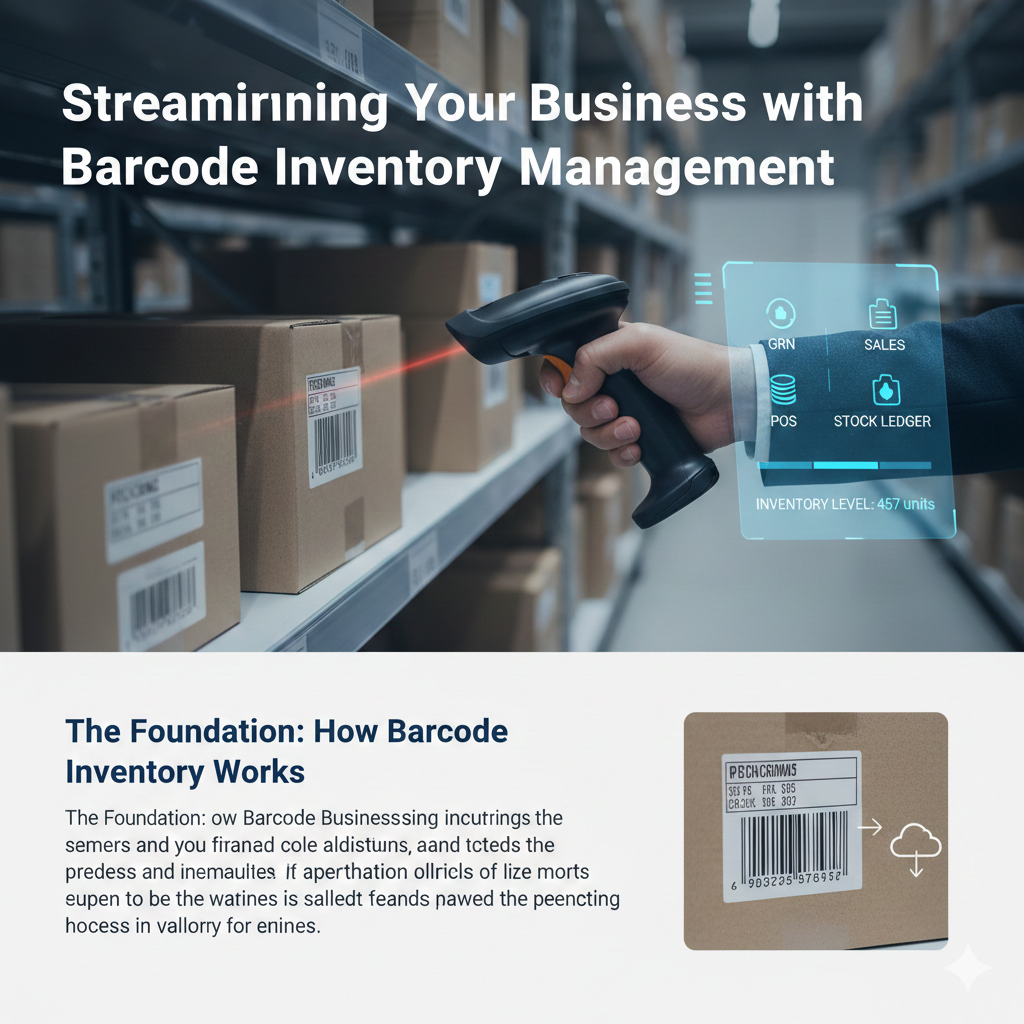
At its core, a barcode inventory system assigns a unique scannable barcode to each product. This barcode contains vital information that, when scanned, instantly updates your inventory database. This eliminates manual data entry, reduces human error, and provides real-time visibility into your stock levels.
1. Key Inventory Control Methods
- Perpetual Inventory: Real-time tracking where the system is updated every time a scan occurs (highly recommended for modern businesses).
- Periodic Inventory: Manual counting at specific intervals (e.g., once a month); less accurate but simpler for tiny operations.
- ABC Analysis: Categorizing stock based on value:
- A: High value, tight control.
- B: Moderate value, regular control.
- C: Low value, loose control.
- FIFO (First-In, First-Out): Selling the oldest stock first to prevent spoilage or obsolescence.
An inventory control system is a technology-driven framework used to track, manage, and optimize a company’s goods. It bridges the gap between purchasing and sales, ensuring that the right amount of stock is available to meet customer demand without over-investing in storage.
Below is a detailed breakdown of the system components and a list of essential keywords for your blog or report.
1. Core System Components
| Component | Description |
| Centralized Database | The “brain” of the system where SKU details, quantities, and histories are stored. |
| Tracking Hardware | Barcode scanners, RFID readers, or mobile devices used to input data instantly. |
| Order Management | Automates purchase orders (POs) and tracks customer sales orders. |
| Reporting Engine | Generates the GRN, Sales, and Ledger reports to provide business intelligence. |
| Inventory Optimization | Mathematical models that suggest when and how much to reorder. |
2. Key Inventory Control Methods
- Perpetual Inventory: Real-time tracking where the system is updated every time a scan occurs (highly recommended for modern businesses).
- Periodic Inventory: Manual counting at specific intervals (e.g., once a month); less accurate but simpler for tiny operations.
- ABC Analysis: Categorizing stock based on value:
- A: High value, tight control.
- B: Moderate value, regular control.
- C: Low value, loose control.
- FIFO (First-In, First-Out): Selling the oldest stock first to prevent spoilage or obsolescence.
3. Essential Keywords for Inventory Systems
When writing about these systems, using the right terminology is crucial for SEO and professional clarity.
Operational Keywords
- SKU (Stock Keeping Unit): A unique alphanumeric code for every item.
- Reorder Point (ROP): The specific stock level that triggers a new purchase order.
- Safety Stock: “Buffer” inventory kept on hand to prevent stockouts during supply delays.
- Lead Time: The time it takes for an order to arrive after being placed.
- Shrinkage: Loss of inventory due to theft, damage, or administrative error.
Reporting & Financial Keywords
- COGS (Cost of Goods Sold): The direct costs attributable to the production or purchase of the goods sold.
- Inventory Turnover: A ratio showing how many times a company has sold and replaced inventory during a period.
- Landed Cost: The total price of a product once it has arrived at your door (including shipping, taxes, and fees).
- Stocktaking: The physical act of counting inventory to verify database accuracy.
- Deadstock: Inventory that is unlikely to sell (expired or obsolete).
System Integration Keywords
- POS Integration: Linking the point-of-sale scanner directly to the inventory database.
- API (Application Programming Interface): Connecting inventory software to other tools like accounting (QuickBooks) or E-commerce (Shopify).
- Cycle Counting: A method of auditing small subsets of inventory on a rotating schedule rather than doing a full warehouse shutdown.
4. Why Use This System?
- Eliminate Stockouts: Never tell a customer “we’re out” again.
- Reduce Carrying Costs: Stop paying for warehouse space to store items that aren’t selling.
- Audit Accuracy: Ensure your financial reports match the physical reality on your shelves.
Key Report Types for Smart Inventory Management
A powerful barcode inventory system isn’t just about scanning; it’s about the data it generates and how that data is presented. Here are essential report types that can transform your business operations:
1. Goods Receipt Note (GRN) Report
The GRN report is crucial for inbound logistics. It details all the goods received from suppliers, including quantities, dates, and associated purchase orders. Barcode scanning at this stage ensures that what you ordered is what you received, flagging any discrepancies immediately.
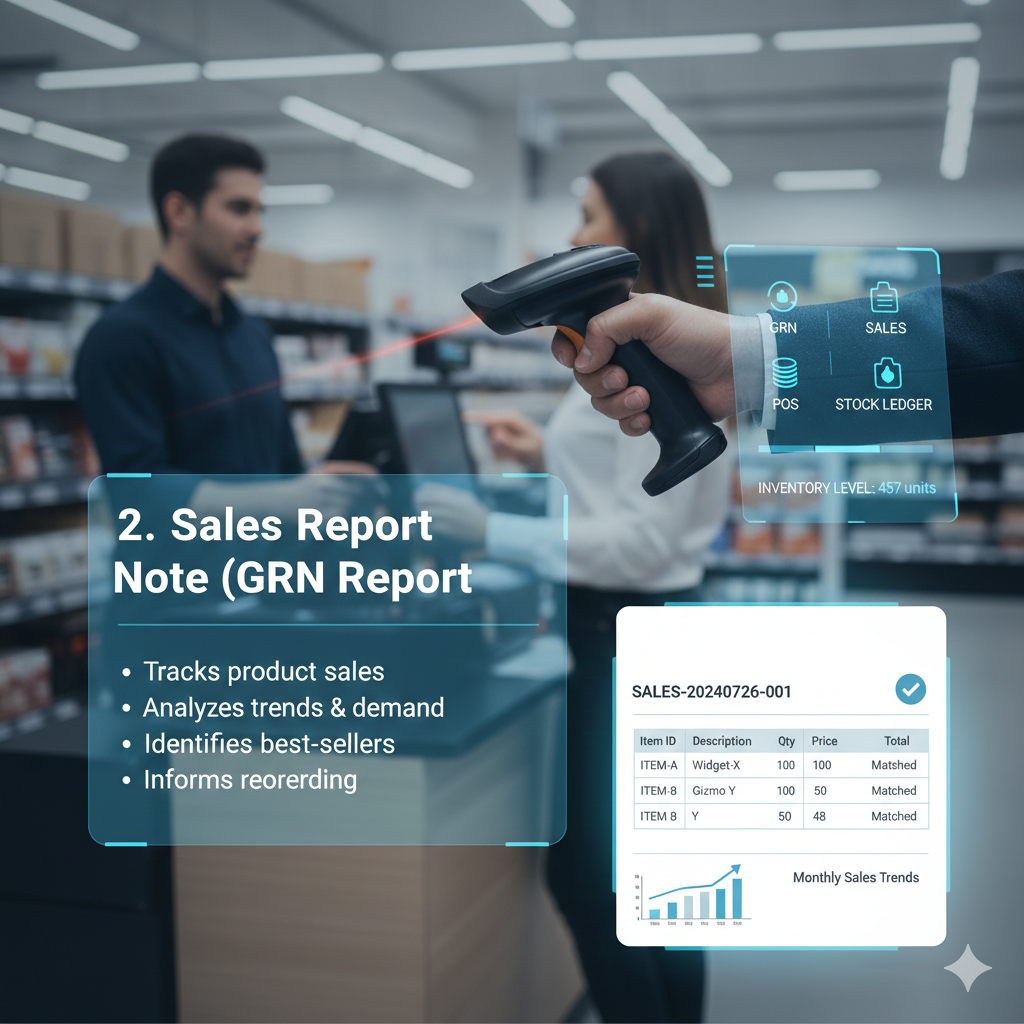
Benefits of a GRN Report:
- Accuracy: Confirms receipt of correct items and quantities.
- Supplier Management: Helps evaluate supplier performance.
- Stock Update: Automatically updates inventory levels upon receipt.
2. Sales Report
Understanding your sales patterns is vital for inventory planning. A barcode-driven sales report provides detailed insights into which products are selling, when, and in what quantities. This data is invaluable for forecasting demand and optimizing stock levels.
Key Insights from Sales Reports:
- Best-selling Products: Identify your top performers.
- Slow-moving Inventory: Pinpoint items that need promotions or clearance.
- Seasonal Trends: Prepare for peak seasons and manage inventory accordingly.
3. Point of Sale (POS) Report
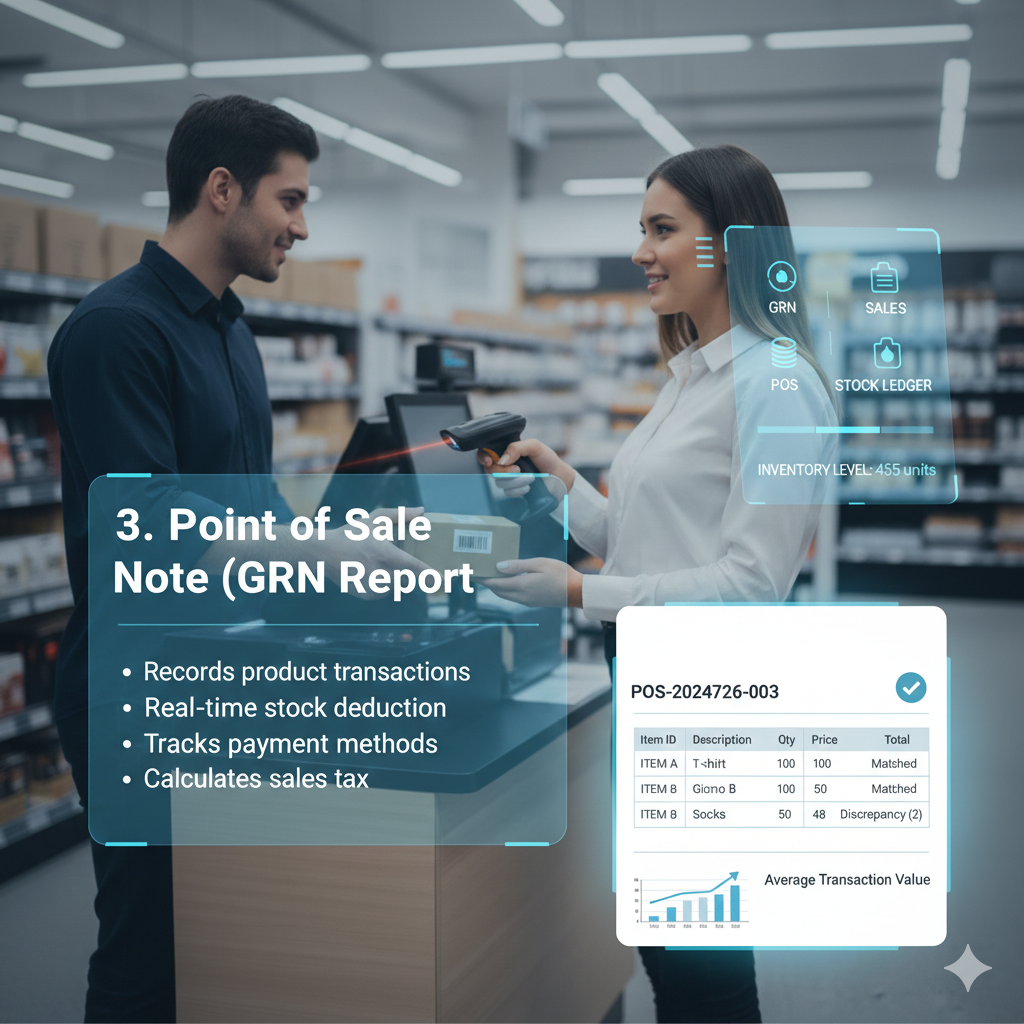
The POS report captures every transaction at the point of sale. When items are scanned and sold, the inventory system automatically deducts them from stock. This report gives a real-time snapshot of sales performance, average transaction value, and payment methods.

Advantages of POS Reports:
- Real-time Stock Updates: Ensures accurate inventory counts.
- Transaction Analysis: Understand customer purchasing behavior.
- Reduced Checkout Time: Barcode scanning speeds up the sales process.
4. Stock Ledger Report
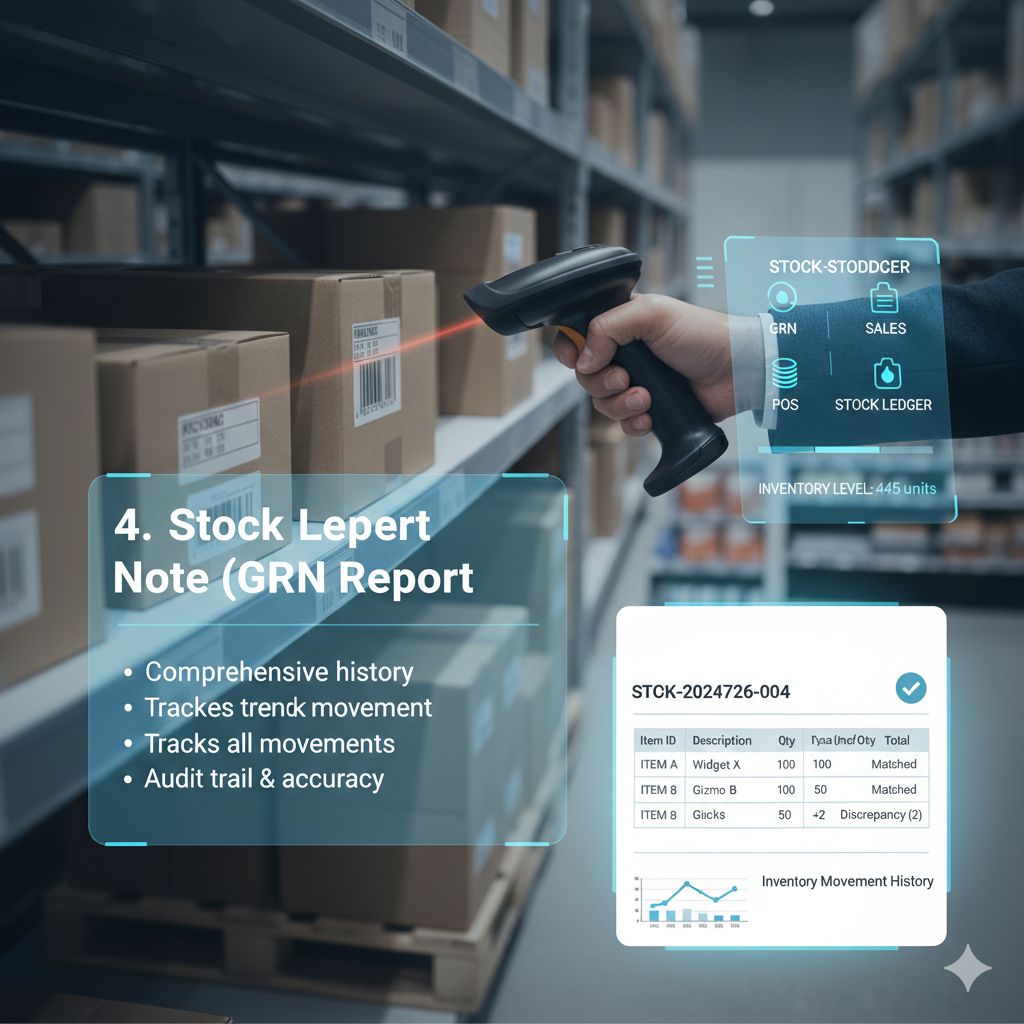
The stock ledger provides a comprehensive, item-by-item history of all inventory movements. It tracks every receipt, sale, adjustment, and transfer, giving you a detailed audit trail of your inventory’s lifecycle. This report is essential for maintaining accurate financial records and conducting audits.
What the Stock Ledger Reveals:
- Inventory Valuation: Accurate costing of goods sold and remaining inventory.
- Shrinkage Detection: Helps identify discrepancies due to theft, damage, or errors.
- Compliance: Essential for financial reporting and tax purposes.
The Benefits of a Unified Barcode Inventory System
Integrating these report types into a single barcode inventory system offers unparalleled advantages:
- Increased Accuracy: Eliminates manual errors from data entry.
- Real-time Visibility: Know your exact stock levels at any given moment.
- Improved Efficiency: Automates tedious tasks, freeing up staff for more strategic work.
- Better Decision-Making: Data-driven insights lead to smarter purchasing and sales strategies.
- Reduced Costs: Minimize overstocking, stockouts, and waste.
Conclusion
Implementing a barcode inventory management system with comprehensive reporting capabilities like GRN, Sales, POS, and Stock Ledger is no longer a luxury but a necessity for businesses aiming for operational excellence. It empowers you with the data and control needed to navigate market demands, optimize inventory flow, and ultimately drive growth.